Component examples for every framework.
1103 copy-paste examples built on shadcn.io's components: buttons, dialogs, comboboxes, forms and more, each on React, Vue, Svelte and Solid. Free with an account.
Every gallery
53 galleries, 1,103 examples.


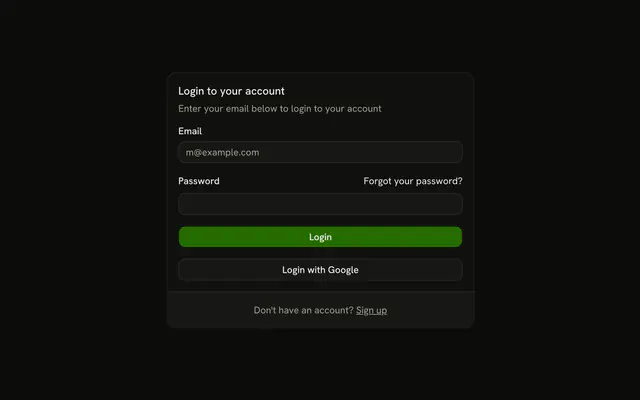


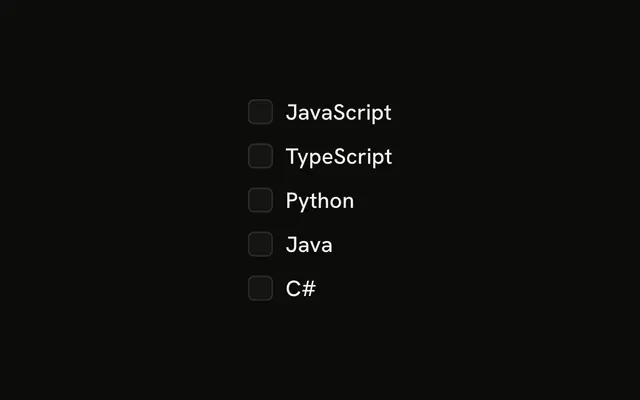


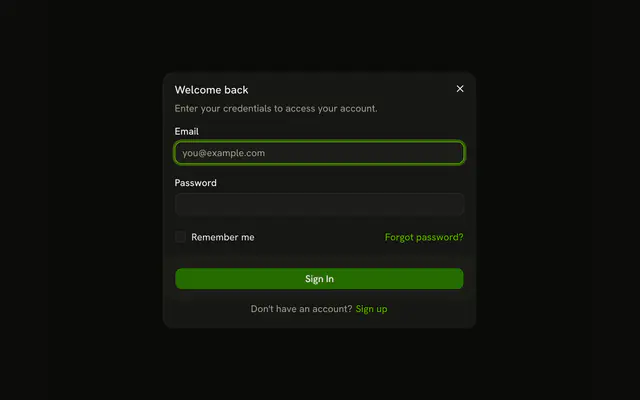
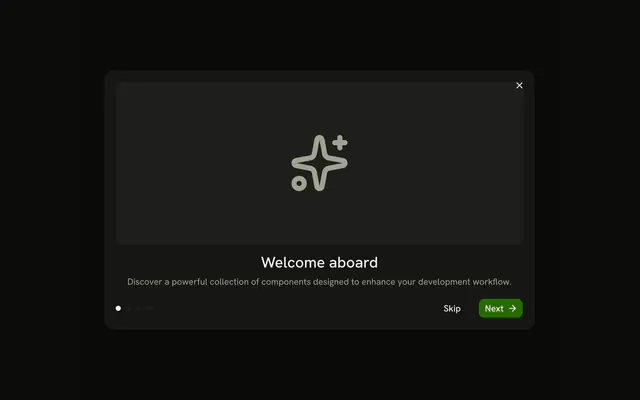
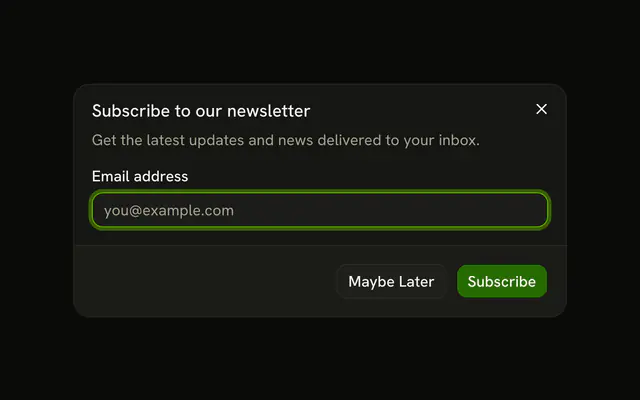

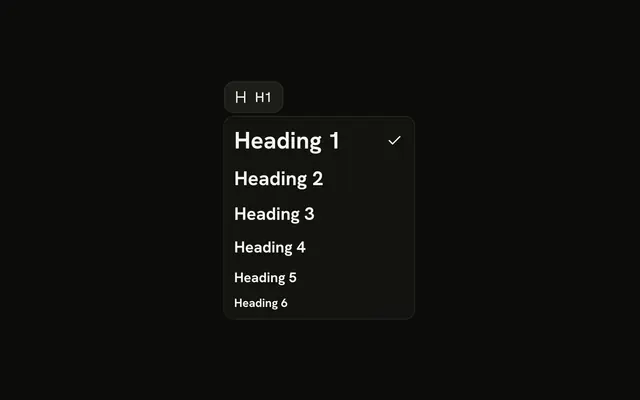
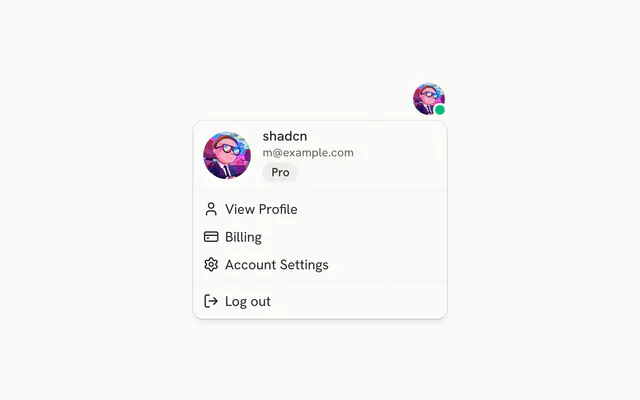
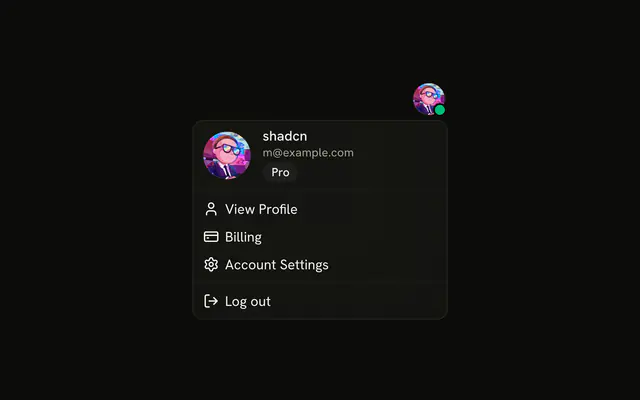


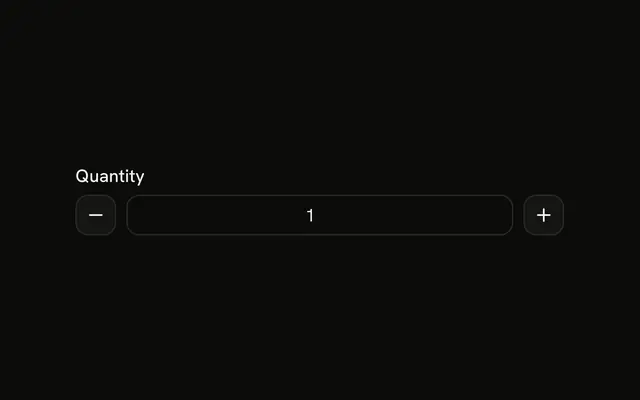
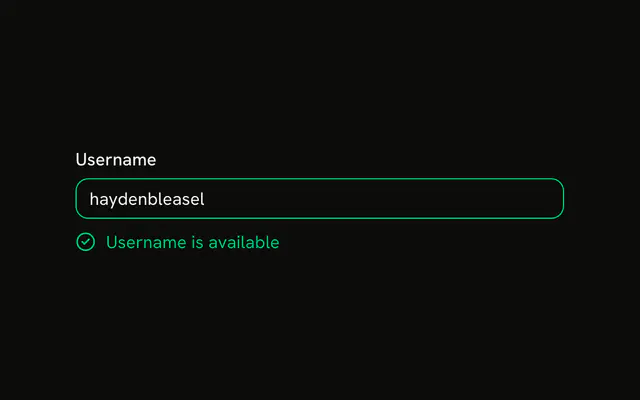
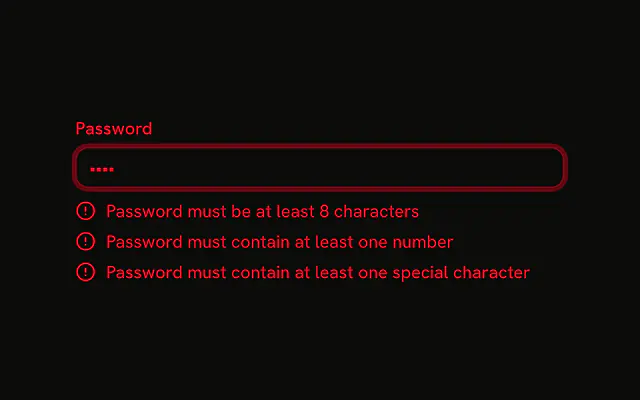
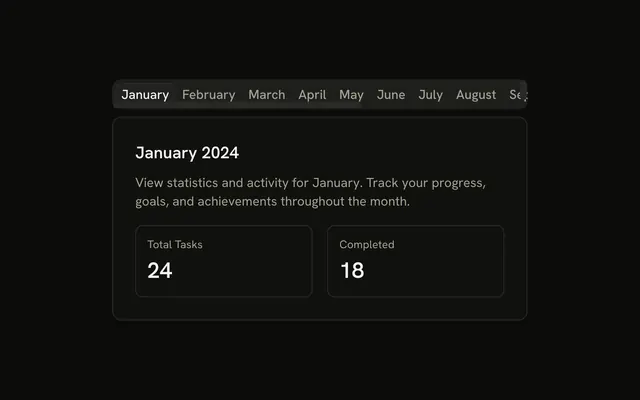
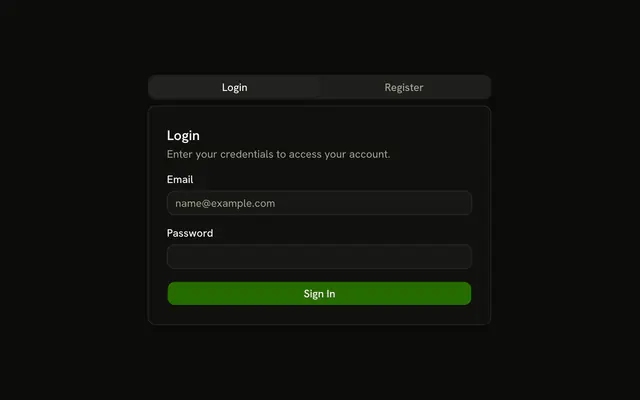





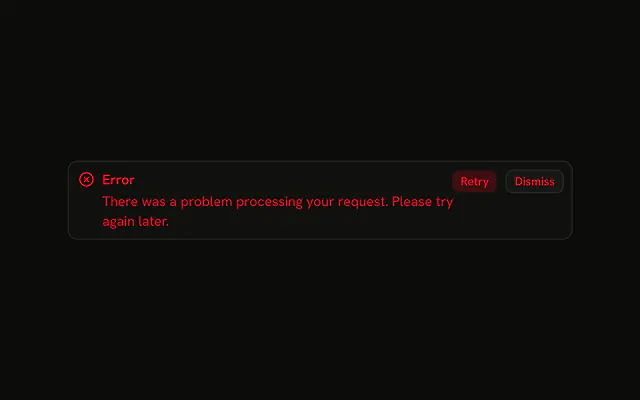
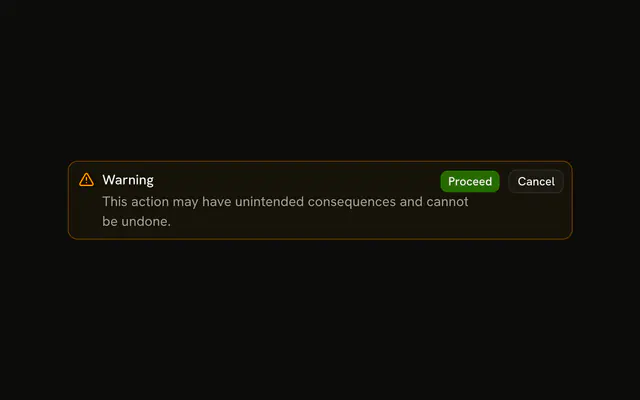






Or skip the search. With Pro, your AI agent finds the example you describe and installs it on your stack.
Get ProPricing
Every example, one prompt away, with Pro
Your AI agent installs any of the 1103 examples, and every component, block and icon, with every Pro plan.
4.9/5 out of 5 · 150+ reviewsfrom 150+ founders and developers.
- Secure checkout via Stripe
- Code lives in your repo
- Keep what you've shipped if you cancel
- License terms
FAQ
Frequently asked questions
What the 1103 examples are, how the galleries work, which frameworks they run on and how to install one.
Small, finished compositions of shadcn.io's components: a button with a count, a combobox with groups, a sheet with a form. 1103 of them in 53 galleries, each a page with the live example, its code and its install command.
A component's docs page shows its API: the props, each variant and size, small demos of each. An example is a finished composition of those components, such as a loading button, a confirm dialog or a date range picker, ready to copy as one file and change. Start at the docs for the API, at the examples for something that already looks right.
A block is a whole section of a page (a hero, a pricing table, a sign-in screen): 6231 of them, all Pro. An example is one small piece of a screen, built on a single component, and is free with an account. Use an example for a control, a block for a section.
Every example is one file built on the shadcn.io components in your project, styled with Tailwind CSS and the theme's tokens. Nothing is hidden in a package: the file is yours to edit like any other code in your project.
Yes. The demos are open to everyone, with no sign-in: pick a gallery, open an example and try it. Only the code and the install command ask for a free account.
A gallery is all the examples of one component on one page, at `/<component>-examples` (`/button-examples`). There are 53 galleries, grouped on this page: Buttons, Forms & fields, Choices, Dates, Dialogs, Menus & popovers, Navigation, Layout, Feedback, Data & media.
Forms & fields (Form, Input, Field, Input Group, Textarea and 2 more); Menus & popovers (Dropdown Menu, Popover, Tooltip, Context Menu, Hover Card and 2 more); Layout (Card, Accordion, Collapsible, Separator, Scroll Area and 2 more). The filters above the grid narrow the 53 galleries by group, and the search box finds one by name.
The galleries most projects start with come first: Button, Card, Checkbox, Dialog, Dropdown Menu, Form, Input and Tabs. They are the primitives you install on day one; the rest follow by name.
Each gallery groups its examples into variants (a button in five variants, for instance). Open an example for its own page with the demo, the code, the install command and related examples.
Open the gallery for the component you use, or search the 1,103 examples from the search bar in the site header. For form controls start with the Forms & fields group, for dialogs the Dialogs group.
Each gallery has its own page with questions about that component: when to use it, which variant fits, how to wire it to a form, how it behaves with a keyboard and a screen reader.
React on Base UI is the default: `/examples/<slug>` shows it, and so do the sitemap and search. React on Radix UI, React Aria or Ark UI, and Vue, Svelte and Solid, have their own URLs under `/examples/<target>/<slug>`, kept out of search results so each example has one canonical page.
React with Base UI, React Aria, Ark UI or Radix UI, and Vue, Svelte and Solid, which are built on Ark UI. Pick the framework, then the UI library, at the top of an example: the demo, the code and the command follow.
The Vue, Svelte and Solid files are ports of the Ark UI example, with the same structure and Tailwind classes, written with the framework's Ark UI package and its own components.
A few examples depend on a React-only library, such as charts, forms, data tables and toasts, so they stay on React. An example's page shows the targets it exists on.
Yes. Switching the UI library on a React example swaps the headless parts (the dialog, the select, the popover) between Base UI, Radix UI, React Aria and Ark UI. The composition and the Tailwind classes stay the same.
Signed in, copy the example's command: `npx shadcn@latest add` with its URL. The CLI adds the components it uses first, then the example as one file in your components folder.
Each example is a registry item at `/r/<slug>.json` for Base UI (`/r/<base>/<slug>.json` for the other React libraries), the same format the shadcn CLI reads for any registry. The item lists the components it needs, so the CLI installs them before the example.
On a Vue, Svelte or Solid example, the install section has two tabs: Prompt, for your AI agent, and Manual, where you copy the file and update the import paths. The shadcn CLI command is on the React examples.
Open the example's Manual tab: it lists the components the example imports, the npm packages to install and the code to paste. Change the import paths to match your project.
Each example is one file built on your project's components, styled with Tailwind CSS and the theme's tokens. Change the classes, the copy or the props like any of your own code.
Each example also has a viewer page at `/view/<component>/<example>`: the live demo alone, with no site around it, which is handy for checking it at any size.
Yes, with Pro. The MCP server has 22 tools: describe what you need, and your AI agent finds the example and installs it on your framework and UI library.
Every example page has a Prompt tab with a ready prompt for your agent, next to the CLI and Manual tabs. Paste it into your agent to add the example to your project.
The MCP server is one way: your agent asks shadcn.io for what it needs and nothing from your files leaves your machine. It is Pro only, set up once from your dashboard.
Yes, no payment is needed. Seeing the code and installing takes a free account, one tap with Google or GitHub; your install command carries your account's token.
Browsing and trying every demo needs nothing. Seeing, copying or installing the code of an example needs the free account. Blocks, the premium templates and the MCP server are the Pro parts.
No. Examples are not part of Pro: a Pro plan adds the blocks, the premium templates, the MCP server and the Pro items of the animated collections.
4.9 out of 5 from 150+ developers


Every example. One prompt away.
1103 examples free with an account. With Pro, your AI agent installs them from a prompt.
Get Pro